Start with a place
Your hometown. A favorite destination. Somewhere you have always wanted to go. Open the map and explore an area.

LIVE FLIGHT TRACKER MAP / EXPLORE IN 3D
Explore available aircraft positions around the globe in 3D. Open the live flight tracker, or find your airline to check arrival and departure updates.
Explore available aircraft positions. Coverage varies.
THE WORLD DOESN’T STAND STILL
That blinking light overhead.
Where is it going?
Live Flight Tracker Map gives you a 3D perspective on available aircraft positions. Start somewhere familiar, explore the view, and see the air traffic around you in a new way.
Get to know the experience ↗A LITTLE LESS FLAT. A LOT MORE WONDER.
A flight is more than a dot. Explore aircraft-position data with a sense of height and space. The interactive experience lives on our dedicated map.
Step into the live mapWhat to know before you open it →YOUR FIRST LOOK
Your hometown. A favorite destination. Somewhere you have always wanted to go. Open the map and explore an area.
Use the controls available in the tracker to look around. Give yourself a moment to get your bearings.
See what catches your eye. Aircraft appear where data is available; some flights and updates may be missing.
HOW TO READ THE TRACKER
The 3D map is designed for exploration of available aircraft-position data. A marker can help you understand where an aircraft appears in the latest information available to the tracker, but the map is not a passenger booking system and does not independently confirm a flight’s gate, boarding status, cancellation, or final arrival time.
For a trip that matters to you, compare the flight number, operating airline, travel date, airports, and any update timestamp shown. Then confirm operational details with the airline or airport. Codeshares can use more than one flight number, and local time zones can make otherwise correct information look inconsistent.
Coverage and update intervals vary by aircraft, location, and source availability. A missing aircraft marker does not by itself establish that a flight was cancelled, diverted, or involved in an incident. Our data-sources and limitations guide explains how to verify what you see.
MEETING SOMEONE AT ARRIVALS?
For gate changes, delays, boarding, or check-in, go straight to the airline’s flight-status service. A position on a map is only part of the picture.
Find your airline ↗FIELD NOTES
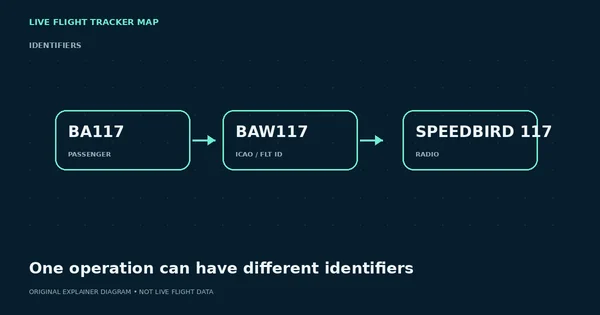
Understand IATA flight numbers, ICAO operator codes and radio callsigns without confusing a ticket identifier with what a tracker displays.
Read the guide ↗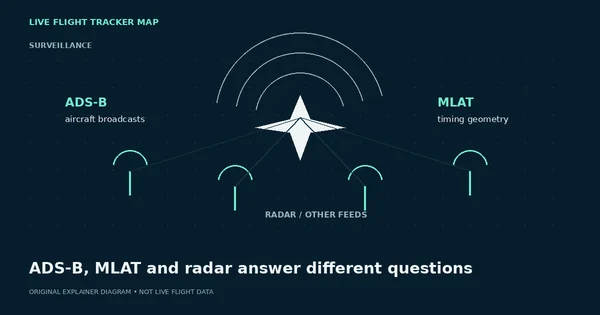
Learn the difference between aircraft broadcasts, multilateration and radar—and why coverage can vary by aircraft, altitude and location.
Read the guide ↗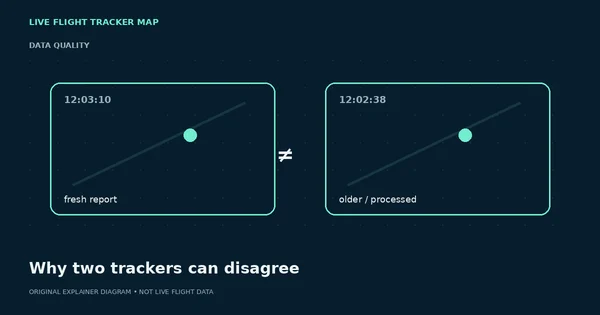
Different update times, data sources, filters and interpolation can make two flight maps disagree even when both are functioning normally.
Read the guide ↗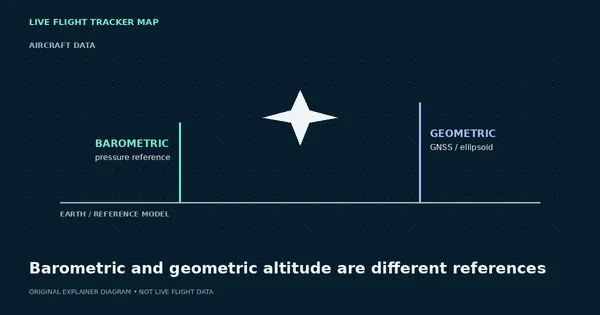
Why a tracker can show more than one altitude, why the values can differ, and why neither should be treated as a cockpit instrument.
Read the guide ↗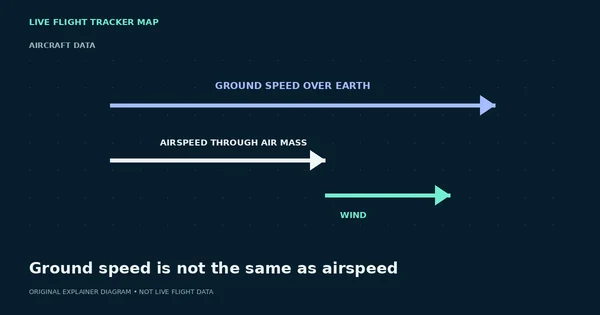
A flight tracker commonly shows speed over the ground, while pilots also work with airspeed. Wind is why the numbers can diverge.
Read the guide ↗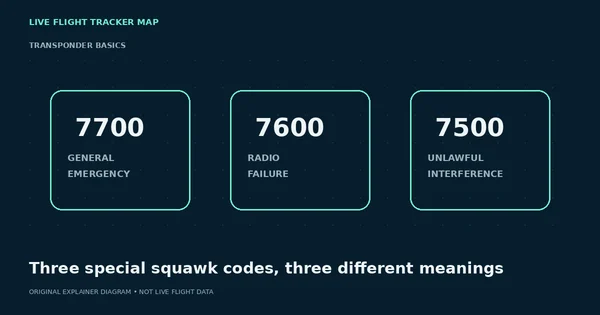
Understand the well-known emergency transponder codes without turning a single tracker field into speculation about an incident.
Read the guide ↗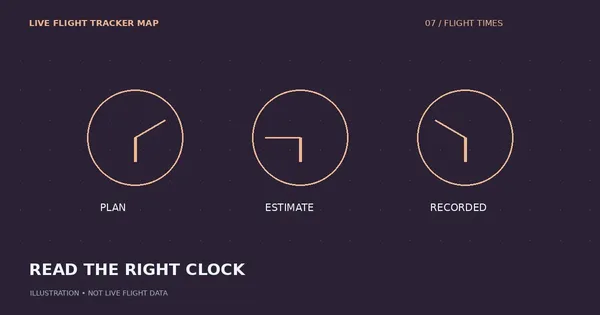
Understand flight-time labels, local dates and landing versus gate arrival before planning your journey.
Read the guide ↗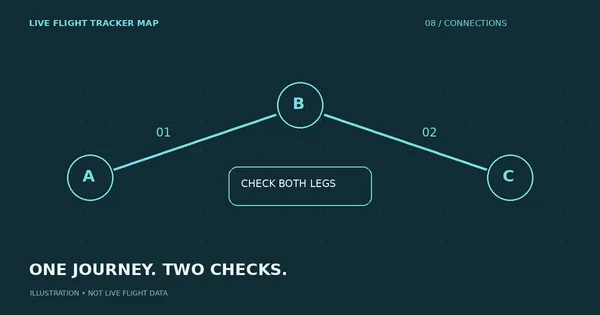
A practical checklist for following a connection without confusing aircraft location with boarding eligibility.
Read the guide ↗
Separate an unusual track from a confirmed diversion, then find the information that matters to passengers.
Read the guide ↗
Find a live flight using its number or callsign, open its 3D map details, and troubleshoot codeshares, missing matches and date confusion.
Read the guide ↗
Explore the 3D flight map, understand aircraft details and airport weather, and learn what the display can and cannot confirm.
Read the guide ↗
Understand airport temperature, weather-report times and forecasts on a flight map—and why they do not confirm a delay or cancellation.
Read the guide ↗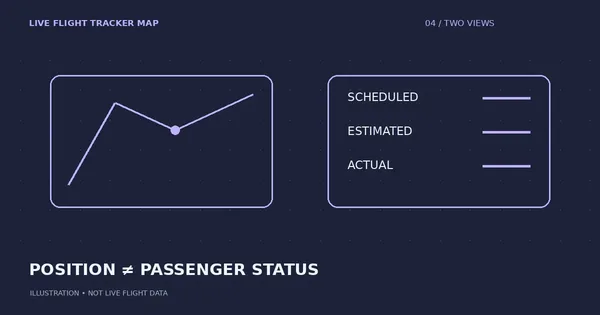
Flight position and passenger flight status answer different questions. Here is how to use both.
Read the guide ↗
A gap in tracking data is not an explanation of what happened to an aircraft.
Read the guide ↗
A short, practical checklist for checking the flight before an airport pickup.
Read the guide ↗BEFORE YOU EXPLORE
Look at the latest timestamp, coverage notes and any data-status indicators shown by the tracker. A moving marker alone does not confirm that a position is current. Use the airline for operational updates.
No. Aircraft appear only where the required data is available. Coverage and update times vary by aircraft and location.
No. The map visualizes available aircraft-position data in 3D. The Earth artwork on this site is decorative, not a screenshot of live flight data.
Check the airline or airport for departure, arrival, boarding and gate information. A position update does not confirm a passenger flight’s full status.
The interactive map opens on realtime.liveflighttrackermap.com. This website introduces the experience and offers flight-tracking guides.
NO WINDOW SEAT REQUIRED